Templates
Every template opens straight in the editor: drop your photos into the slots, change the words, and export. Nothing is uploaded - the editing happens on your device.
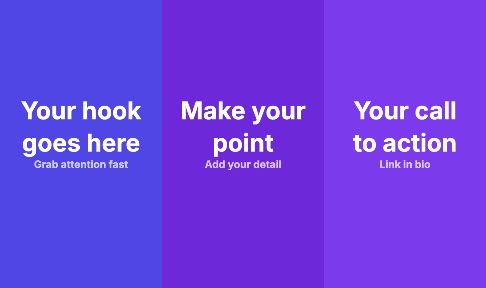 Animated reel template - A three-scene vertical video template: a hook, your point and a call to action, with the text sliding and fading in. Edit the words and export an MP4 for Reels, TikTok or Shorts.
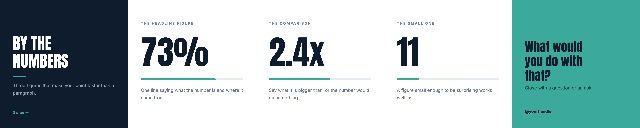 By the numbers carousel template - A five-slide square carousel built around three big figures: a headline stat, a comparison and a surprising small number, closed with a question. Swap in your numbers and export.
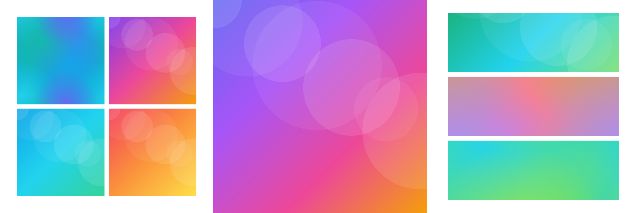 Photo carousel trio template - A square three-slide photo carousel: a 2 x 2 grid, one full-bleed photo and a three-photo strip. Drop your pictures into the cells and export a ready-to-post Instagram carousel.
 Content carousel template - A four-slide square text carousel: a headline cover, two numbered key points and a save-and-follow closer with your handle. Replace the text and export for Instagram or LinkedIn.
 Four-frame photo post template - A four-slide photo carousel in the 3:4 profile-grid shape, with photo frames and a three-photo strip spread across the slides. Add your photos and export.
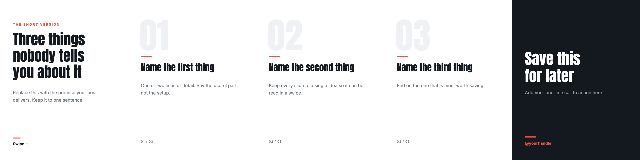 Hook and three tips carousel template - A five-slide portrait carousel: a scroll-stopping hook, three numbered tips with progress markers and a closing slide. The most-saved carousel format, ready for your words.
 Horizontal and vertical photo carousel template - A three-slide 3:4 photo carousel with frames for both landscape and portrait photos, so mixed orientations sit together without awkward crops. Drop in your photos and export.
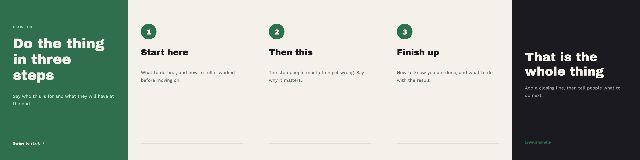 How-to in three steps carousel template - A five-slide portrait tutorial carousel: a "how to" cover, three numbered steps and a closing slide. Write your steps in and export a clear, swipeable how-to post.
 LinkedIn document carousel template - A five-page LinkedIn document carousel: a title page with your name and role, numbered content pages with your site in the footer, and a closing page. Export it as a PDF to upload.
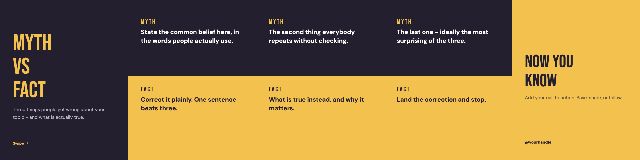 Myth vs fact carousel template - A five-slide portrait carousel that busts three myths: each slide pairs a common belief with the fact that corrects it. Fill in your topic and export.
 Photo story carousel template - A three-slide square carousel that tells a story in photos: a titled opening image, a captioned middle and a closing slide with your handle. Add your pictures and words.
 Quote post template - A three-slide square quote carousel: the quote large on its own slide with the author credited, framed by a cover and a follow slide. Paste in the line and export.
 Side-by-side duo carousel template - A two-slide portrait carousel: one full photo, then two photos side by side. Good for a comparison, a pair or a detail shot. Drop in your photos and export.
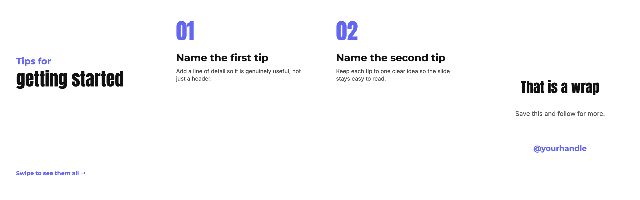 Tips list carousel template - A four-slide portrait tips carousel: a title slide, two numbered tips with a line of detail each and a wrap-up with your handle. Duplicate a tip slide to add more.
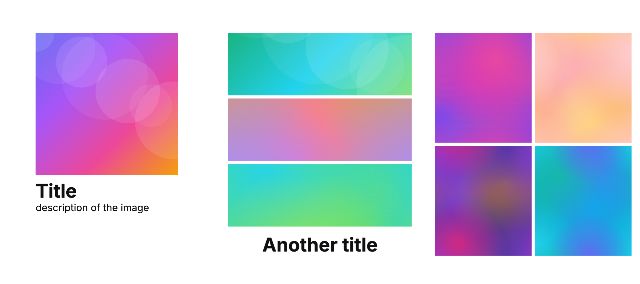 Titled photo grid carousel template - A three-slide 3:4 photo carousel mixing a titled full photo, a three-photo strip and a 2 x 2 grid, each with room for a title and a description. Add your photos and words.
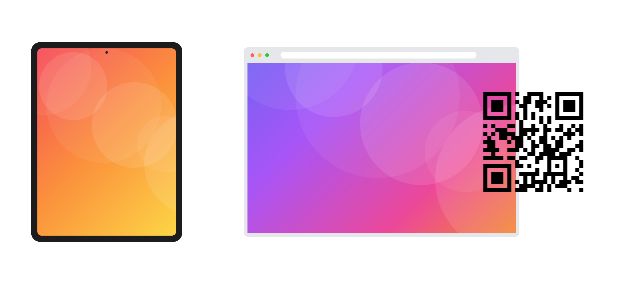 Web app showcase carousel template - A three-slide 3:4 carousel that shows your app or website in a tablet frame and a browser window. Drop in your screenshots and export a product showcase post.
 Three photos and title Story template - A vertical 9:16 Story with three framed photos and a title, each sliding in. Export it as a still image or as a short video for Instagram Stories or Reels.
 Animated title post template - A square single post with a title and a line of text that slide in, ready to export as a short video or a still. Change the words and colours to match your brand.
 Before and after template - A square before-and-after post: two photos side by side with BEFORE and AFTER labels. Drop in your two photos and export a clear comparison for Instagram.
 Double paper tear phone wallpaper template - A phone wallpaper template with your photo showing through a strip torn out of paper, sized for a modern iPhone screen. Add your photo and export a lock screen wallpaper.
 Paper tear phone wallpaper template - A phone wallpaper template where your photo is revealed through a single torn-paper edge, sized for a modern iPhone screen. Add a photo and export your wallpaper.
 Four photo square grid template - A square 2 x 2 photo grid for a four-photo collage post. Drop a photo into each cell, adjust the crop and export a single image for Instagram or Facebook.
 Story photo stack template - A vertical 9:16 Story with three photos stacked top to bottom. Drop in your pictures and export a full-screen Story for Instagram, Facebook or WhatsApp.
 A4 photo print grid template - An A4 print template with six photos in a 3 x 2 grid at 300 DPI. Drop in your pictures and export a PDF to print at home or at a print shop.
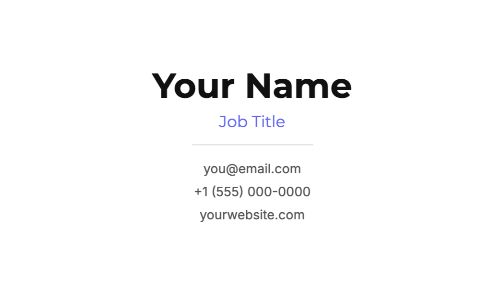 Business card template - A clean, minimal business card template at 3.5 x 2 inches and 300 DPI: your name, title, email, phone and website. Edit the text and export a print-ready PDF.
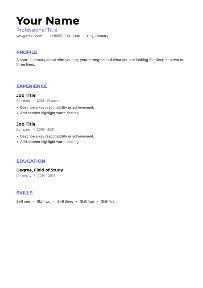 CV and resume template - A clean single-page A4 CV template with sections for your profile, experience, education and skills. Edit it in the browser and export a PDF to send or print.
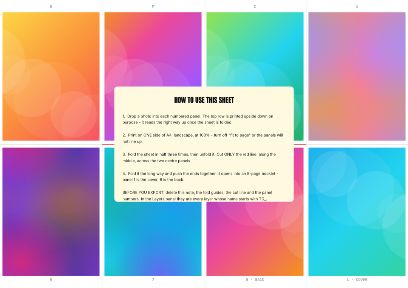 One-sheet zine template - An eight-page mini zine printed on a single A4 sheet: the panels are already imposed, half of them upside down, so one cut and a few folds make the booklet.
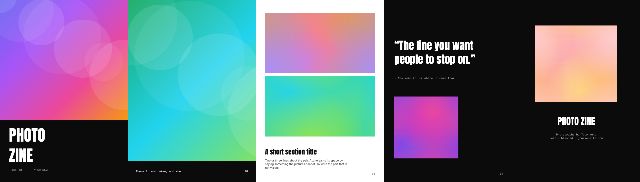 Photo zine template - A five-page A5 photo zine template: a cover, full-page photos with captions, a photo pair, a pull quote and a back cover. Add your photographs and export a PDF to print.
 Postcard photo strip template - A 6 x 4 inch postcard template with three photos in a row, at 300 DPI. Drop in your pictures and export a print-ready image or PDF.
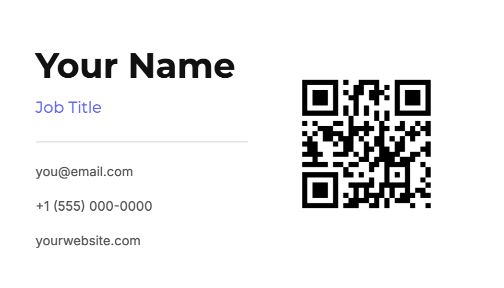 QR code business card template - A business card template with a QR code beside your name, title and contact details, at 3.5 x 2 inches and 300 DPI. Point the code at your site and export a PDF.
What do you want to make?
Every format has its own shape, its own safe margins and its own way of failing. These pages give you the real dimensions, what separates a good one from a bad one, and the built-in templates that already fit - then hand you the editor.